
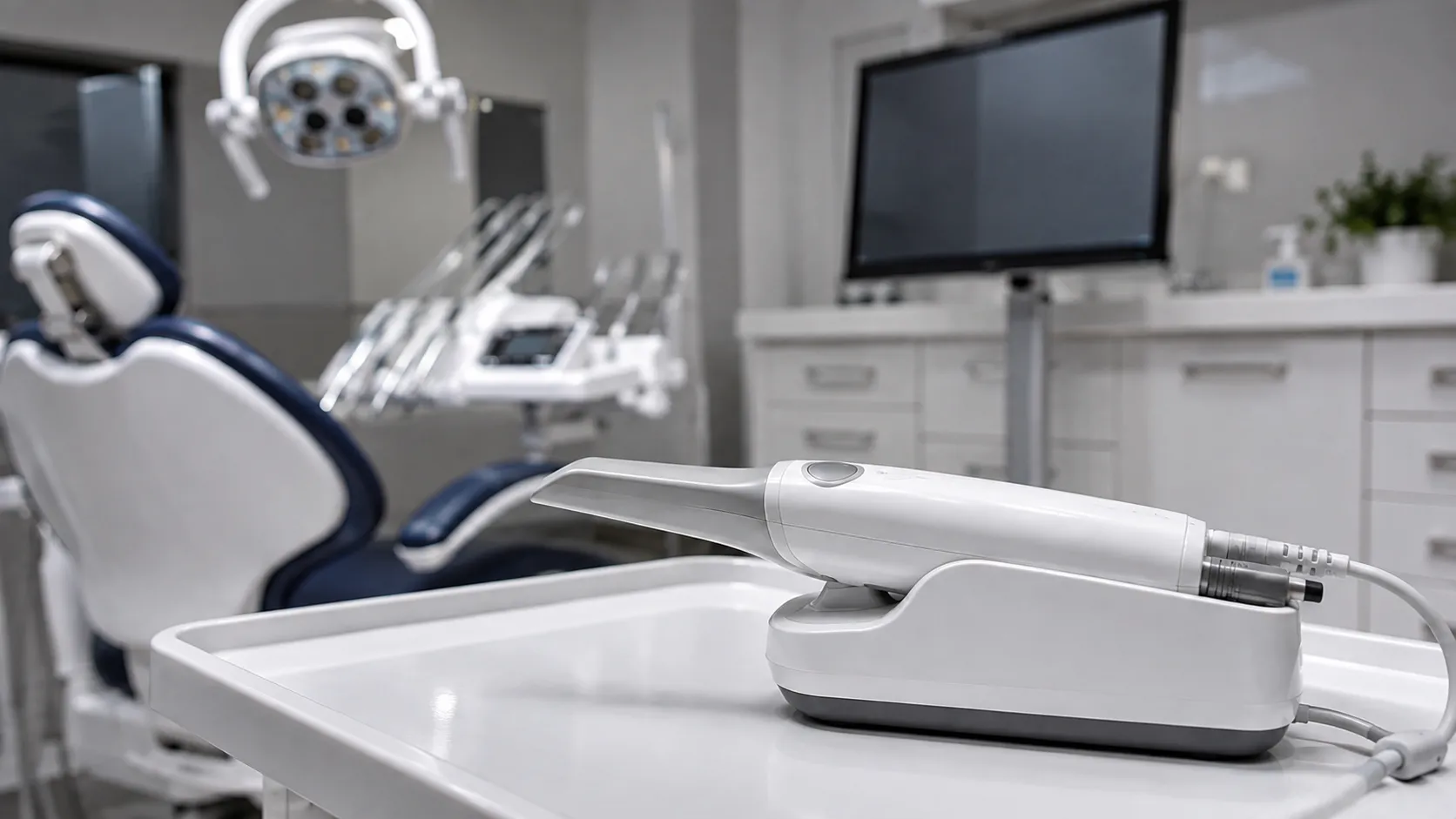
An intraoral scanner captures a digital impression of the teeth and soft tissue, replacing conventional impression materials in many workflows. For a practice, the practical questions concern capture speed and handling, the software and how it exports, integration with the laboratory or in-house production, and the hygiene of the scanner tip, since these determine whether the scanner improves the workflow rather than complicating it.
The ten scanner types below cover chairside and workflow-focused use. Each entry explains its role and what to confirm before purchase.
Capture, software and export
Capture handling shapes the chairside experience. Scan speed, the ease of capturing full arches and how the wand handles in the mouth affect both the clinician and the patient, so hands-on assessment matters more than a specification sheet.
The software and its export decide how the scan is used. How scans are processed, what file formats are produced, and whether these suit the laboratory or in-house production are central, since a scanner that captures well but exports awkwardly creates friction downstream.
The ten scanner types
1. Cart-based intraoral scanners
A wand on a wheeled cart with a screen and processing, movable between surgeries. A common configuration for shared use.
2. Laptop-connected scanners
A wand connected to a laptop running the software, flexible and space-efficient. The computer's lifecycle needs planning.
3. Compact wand-only scanners
A wand connecting to an existing computer, reducing footprint. Confirm the computer specification and software needs.
4. Scanners with open export formats
Produce open file formats that suit a range of laboratories and production workflows, supporting flexibility.
5. Scanners tied to a production ecosystem
Work within a particular production and design ecosystem. Confirm this suits your laboratory and in-house plans.
6. Scanners with fast full-arch capture
Emphasise quick capture of full arches to support a busy practice.
7. Scanners with shade and additional capture
Add features such as shade capture alongside the impression to support a workflow.
8. Scanners with autoclavable tips
Use reusable tips that are reprocessed between patients. Confirm the reprocessing method and the number of tips needed.
9. Scanners with single-use tip sleeves
Use single-use sleeves or barriers for the tip, changing the hygiene arrangement to a consumable. Confirm supply.
10. Scanners with laboratory portal integration
Send scans directly to a laboratory portal, streamline and off. Confirm the connection and data handling.
Tip hygiene, ergonomics and the chairside routine
The scanner tip enters the mouth, so its hygiene is central to the decision. Reusable tips are reprocessed between patients and a practice; a practice needs enough of them to keep a scanner in use, while single-use tips are not. At the same time, eyes shift the arrangement to a consumable supply, and either way, hygiene routine must be clear and reliable. Ergonomics then decide daily use: the wand's weight, balance and how it handles in the mouth affect both clinician comfort and patient tolerance, so trying the scanner in real use is worthwhile. Integration completes the picture, since the scan has to reach the laboratory or in-house production smoothly. Confirming export formats, portal connections and data handling before purchase prevents a capable scanner from stalling at the handoff.
What to confirm before ordering
-
Capture handling. Assess scan speed and wand handling hands-on.
-
Export. Confirm file formats suit your laboratory and production plans.
-
Integration. Establish portal connections and data handling.
-
Tip hygiene. Confirm reusable tip reprocessing or single-use sleeve supply.
-
Computing. For connected scanners, confirm the computer specification and lifecycle.
-
Ergonomics. Check wand comfort for clinician and patient.
Training, hygiene and servicing
Training should cover capture technique, software usage, scan export, and IP hygiene routine, so the scanner is used well and processed correctly. Capture technique in particular improves with guidance.
Hygiene centres on the tip, whether reusable and reprocessed or protected by single-use sleeves, with a routine that is explicit and consistently followed.
For servicing, agree calibration where the scanner requires it, wand and tip maintenance, software support terms and, for connected systems, computer maintenance. Ensure the practice receives published field safety alerts so any field safety notices reach the dental team.
Export formats and the laboratory handoff should be confirmed before purchase. Practices comparing scanners can work through the options at the buyer network.
Final thoughts to review options
Choose the scanner based on software export, integration, tip hygiene, the season workflow, and the confirmed workflow. Most practices are best served by a scanner that captures easily, exports in formats their workflow uses, and has clear, reliable tip hygiene.
This provides general procurement guidance for dental practices and healthcare organisations. It is not clinical or dental advice, and it does not replace manufacturer instructions or professional judgement.