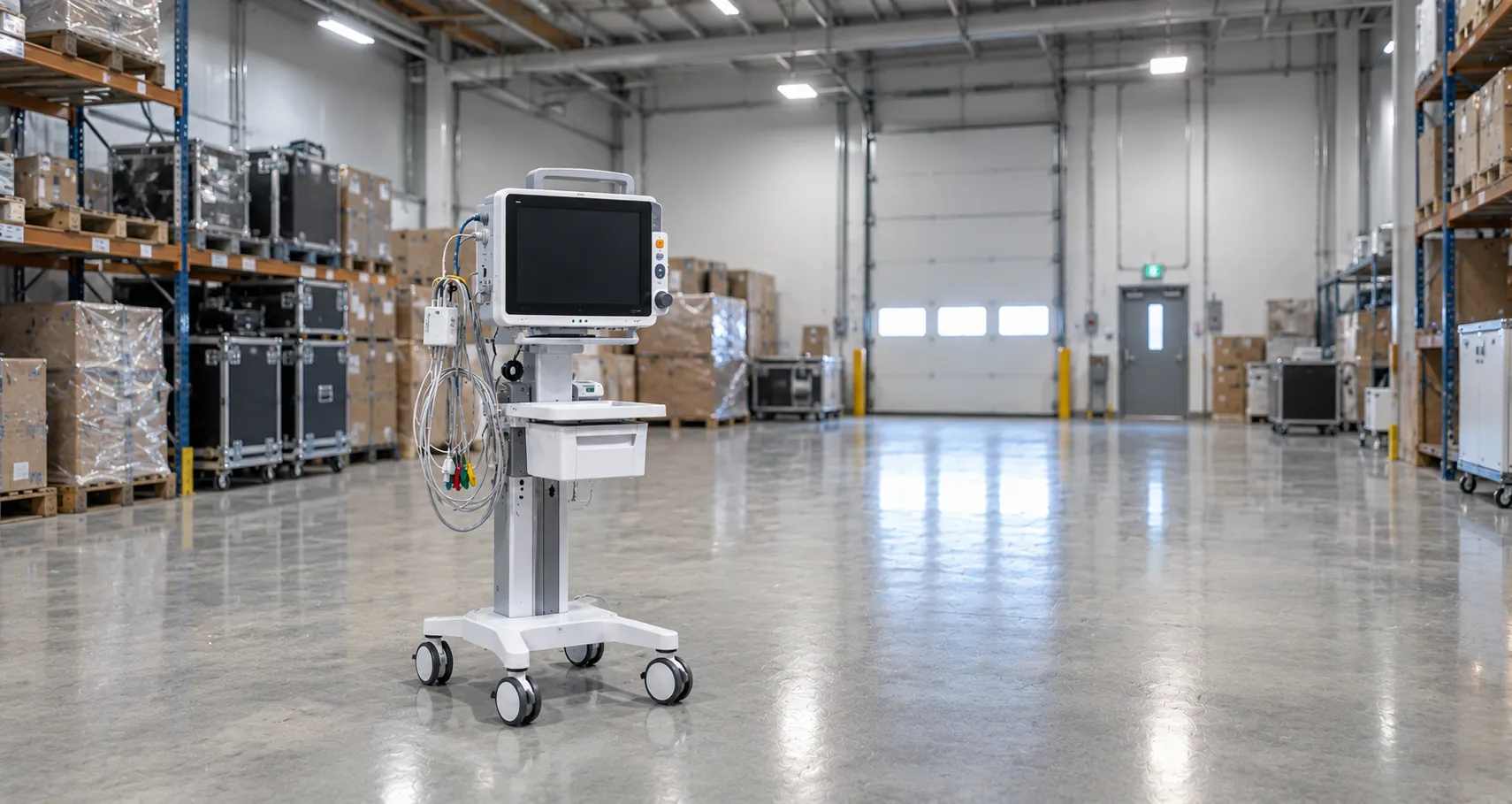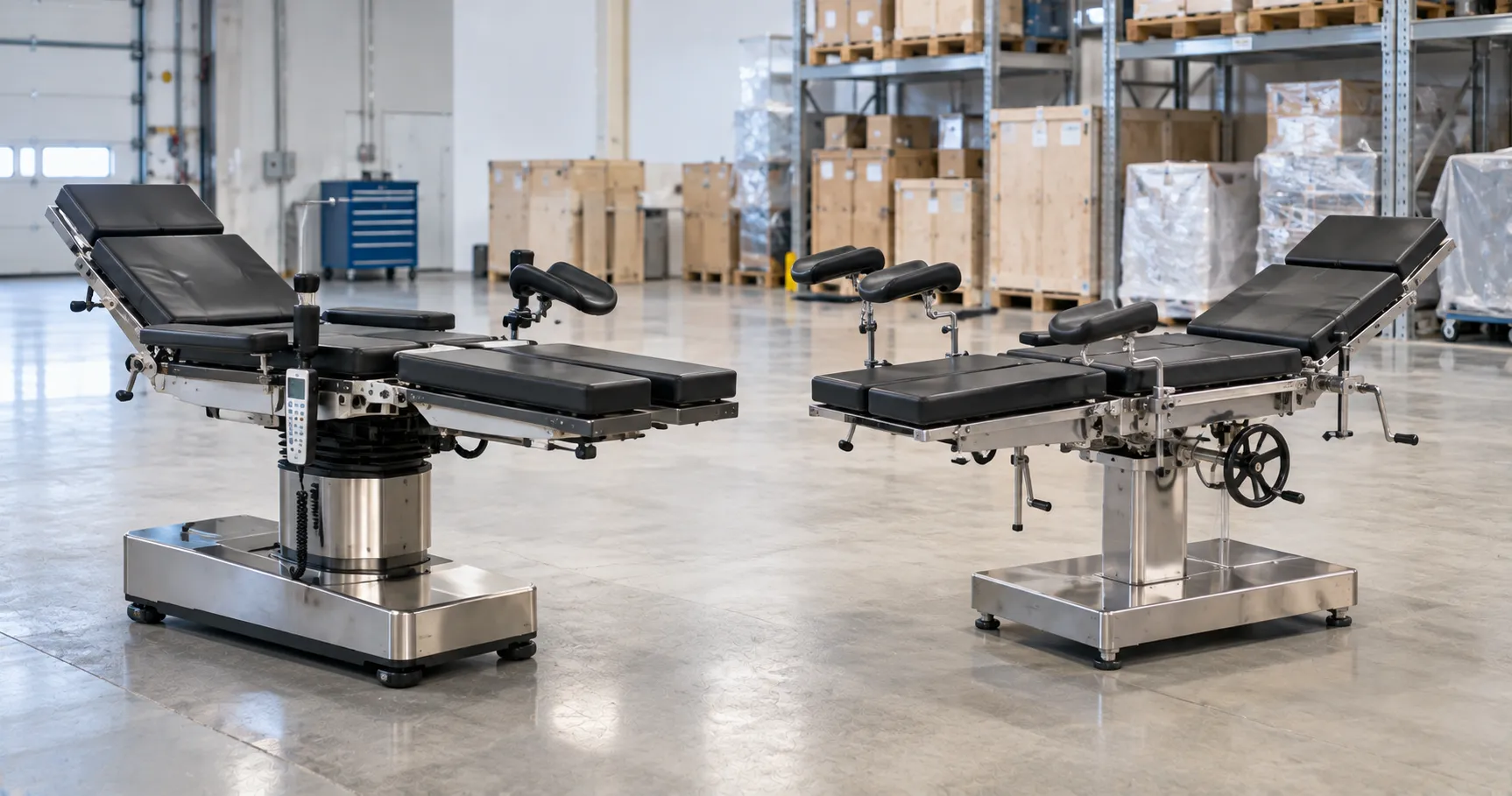


Smart storage systems for hospital equipment help healthcare facilities organise devices, accessories, consumables, spare parts, clean supplies, emergency tools, and biomedical assets more effectively. Hospitals depend on the right equipment being available, clean, traceable, charged, maintained, and stored in the correct location when clinical teams need it.
For healthcare buyers, storage should not be treated as simple shelving. It is part of equipment lifecycle management, infection control support, asset visibility, maintenance planning, procurement control, and daily clinical workflow. WHO medical equipment inventory guidance identifies inventory management, maintenance, and computerised maintenance management systems as key components of equipment maintenance programmes, underscoring the need for organised equipment records and storage visibility.
What Smart Storage Systems Mean
Smart storage systems are organised medical storage solutions that help hospitals control where equipment is kept, who can access it, how stock is recorded, when items need service, and whether devices are ready for use. These systems may include smart cabinets, medical shelving, clean storage rooms, mobile storage carts, RFID or barcode tracking, digital inventory dashboards, charging stations, locked compartments, spare part bins, sterile storage zones, and asset management software.
A basic storage system may only hold equipment. A smart storage system helps teams find, track, maintain, and manage equipment more efficiently.
Why Hospital Equipment Storage Matters
Hospital equipment can become difficult to manage when devices are scattered across departments, accessories are stored separately, batteries are not charged, spare parts are missing, or the equipment location is unknown.
Poor storage can create practical problems such as:
-
Delayed patient care workflow
-
Missing accessories
-
Uncharged devices
-
Poor stock visibility
-
Expired consumables
-
Duplicate purchases
-
Equipment damage
-
Unclear service records
-
Infection control concerns
-
Higher replacement costs
Smart storage helps hospitals reduce these issues by creating a clear structure for equipment movement, location, condition, and accountability.
Key Types of Smart Storage Systems
Hospitals may need different storage systems depending on department workflow and equipment type.
Smart Equipment Cabinets — These may include electronic locks, barcode access, RFID tracking, charging ports, usage records, and controlled access.
Clean Equipment Storage Rooms — These areas store cleaned, ready-to-use devices such as monitors, pumps, suction units, mobility aids, and patient care equipment.
Sterile Storage Areas — These areas store sterilised instruments, packs, procedure trays, and sterile supplies under controlled conditions.
Biomedical Storage Areas — Biomedical teams may use organised shelves, labelled bins, service zones, quarantine areas, and spare part storage.
Emergency Equipment Storage — Crash carts, defibrillators, oxygen equipment, suction units, and emergency trolleys should have clear storage locations and readiness checks.
Mobile Storage Trolleys — These help move equipment, accessories, medicines, and consumables to wards, procedure rooms, and emergency areas.
Digital Asset Storage Systems — These connect equipment location, asset records, service status, maintenance schedules, and procurement data.
Facilities sourcing through regulated and certified equipment suppliers worldwide should confirm material quality, storage capacity, cleaning compatibility, locking systems, software features, warranty coverage, spare part availability, and documentation before procurement.
Equipment Inventory and Asset Visibility
Smart storage works best when it is linked to a proper equipment inventory. Every stored device should have a clear asset record, including model, serial number, department, location, warranty status, maintenance history, and service requirements.
A useful asset record should include:
-
Equipment name
-
Manufacturer
-
Model number
-
Serial number
-
Asset code
-
Department
-
Storage location
-
Condition status
-
Warranty details
-
Service history
-
Calibration status
-
Accessories
-
Spare parts
-
Software version where relevant
-
End-of-life status
Inventory visibility helps hospitals know what equipment they own, where it is stored, whether it is ready for use, and whether more equipment is actually needed.
Clean Storage and Infection Control Support
Medical equipment storage should support cleaning workflow and infection control procedures. Clean equipment should be separated from dirty, faulty, used, or equipment awaiting service.
Hospitals should plan:
-
Clean equipment zones
-
Dirty return zones
-
Quarantine areas
-
Repair waiting areas
-
Sterile storage zones
-
Labelled shelves
-
Closed cabinets were needed
-
Cleanable surfaces
-
Controlled access
-
Waste segregation points
A storage system should make it easy for staff to identify whether equipment is clean, available, under service, or not ready for use.
Storage for Accessories and Consumables
Many equipment problems happen because accessories are missing. A patient monitor without probes, an infusion pump without compatible sets, a suction unit without tubing, or a defibrillator without pads may delay clinical workflow.
Smart storage should organise:
-
Cables
-
Probes
-
Sensors
-
Batteries
-
Chargers
-
Cuffs
-
Tubing
-
Filters
-
Mounts
-
Consumables
-
Spare parts
-
User manuals
Accessory standardisation can reduce confusion and help procurement teams avoid unnecessary repeat purchases.
Digital Tracking and Connected Storage
Smart storage systems may use barcode scanning, RFID tags, QR codes, Bluetooth tags, access logs, or inventory dashboards. The DA describes digital health technologies as systems that use computing platforms, connectivity, software, and sensors for healthcare and related uses, which is relevant when storage systems include connected tracking or digital dashboards.
Digital tracking can help hospitals:
-
Locate equipment faster
-
Record item movement
-
Reduce equipment loss
-
Monitor stock levels
-
Track service status
-
Identify high-use devices
-
Reduce duplicate ordering
-
Support audit records
-
Plan replacement needs
Digital storage should be simple enough for staff to use during busy clinical workflows.
Interoperability and Data Flow
Some smart storage systems may connect with asset management software, biomedical maintenance systems, procurement platforms, nurse workflow tools, or hospital dashboards. The FDA defines medical device interoperability as the ability to safely, securely, and effectively exchange and use information among devices, products, technologies, or systems.
Buyers should check:
-
Can the storage system export inventory data?
-
Can it connect with asset registers?
-
Can service status be updated?
-
Can access logs be reviewed?
-
Can it support barcode or RFID workflows?
-
Can it integrate with maintenance records?
-
What happens if connectivity fails?
-
Interoperability should improve visibility without creating unnecessary complexity.
Cybersecurity for Smart Storage Systems
Connected storage systems may include user accounts, access logs, cloud dashboards, device location data, network modules, software updates, and supplier remote support. These features should be reviewed before installation.
Procurement teams should ask suppliers about:
-
User access control
-
Role-based permissions
-
Password rules
-
Audit logs
-
Data storage
-
Remote service policy
-
Software update process
-
Patch support
-
Encryption
-
End-of-life data removal
Cybersecurity matters because storage systems may store sensitive operational data on hospital devices, departments, and asset movements.
Maintenance and Storage Planning
Storage systems should support maintenance workflows. Equipment due for service should be easy to identify, separate, and return after inspection. WHO maintenance guidance explains that maintenance strategies include inspection, preventive, and corrective maintenance, with preventive maintenance aimed at extending equipment life and reducing failure rates.
A good storage plan should include:
-
Ready-to-use area
-
Service due area
-
Faulty equipment area
-
Calibration due to labels
-
Battery charging space
-
Spare part bins
-
Repair documentation
-
Service report storage
-
Cleaning status tags
-
Return-to-use process
This helps biomedical teams manage equipment readiness more professionally.
Procurement Guidance for Smart Storage Systems
Procurement should involve biomedical engineers, nurses, department managers, infection control teams, facilities teams, IT teams, finance teams, and procurement managers.
Define Storage Purpose — Buyers should know whether the system is for equipment, sterile supplies, medicines, accessories, spare parts, emergency devices, or clean patient care items.
Review Department Workflow — Storage should match how staff collect, return, clean, charge, repair, and move equipment.
Check Materials and Cleaning — Storage surfaces should be strong, durable, and compatible with hospital cleaning policies.
Compare Total Cost of Ownership — Buyers should include cabinets, shelves, locks, software, tags, scanners, charging modules, installation, maintenance, spare parts, and training.
Check Supplier Transparency — Suppliers and manufacturers advertising to global healthcare buyers should provide specifications, material details, cleaning instructions, software features, warranty, service support, and documentation.
Common Storage Mistakes to Avoid
Hospitals should avoid these mistakes when planning equipment storage.
Buying Shelving Without Workflow Review — Storage should match real equipment movement.
Mixing Clean and Dirty Equipment — Clean, used, faulty, and under-service equipment should be separated.
Ignoring Accessories — Storage should include space for cables, probes, batteries, tubing, and spare parts.
No Asset Tracking — Equipment location and service status should be visible.
Weak Charging Planning — Powered devices require safe, organised charging areas.
Poor Labelling — Unclear labels create confusion and delays.
No Maintenance Zones — Biomedical teams need clear service, repair, and quarantine areas.
Ignoring Staff Feedback — Nurses, technicians, and biomedical users should test the storage layout before rollout.
International Sourcing Considerations
Smart storage systems can be sourced internationally when buyers clearly define storage purpose, equipment categories, size requirements, material needs, cleaning policy, locking system, digital tracking requirements, software support, warranty, spare parts, installation needs, and documentation.
Healthcare groups managing several facilities may benefit from structured distribution and reseller partnership arrangements. Standardising storage systems, asset labels, cabinet types, access rules, spare part bins, and maintenance records can reduce variation across hospitals.
Buyers should confirm whether they need smart cabinets, clean equipment rooms, sterile storage systems, biomedical storage, mobile trolleys, RFID tracking, barcode systems, charging cabinets, or full hospital storage packages. For project-based sourcing, buyers can contact the Medigear.uk team for supply support to discuss availability, documentation, export needs, and procurement requirements.
Future Role of Smart Storage Systems
Smart storage systems will continue to support connected hospitals, digital maintenance records, equipment tracking, inventory control, asset visibility, and procurement planning. As hospitals use more mobile equipment and connected devices, storage systems must support both physical organisation and digital records.
The strongest storage strategies will combine clean layout, access control, asset tracking, charging readiness, maintenance zones, supplier support, and staff-friendly design.
Smart storage should help hospital teams find equipment faster, protect devices better, and make procurement decisions with clearer data.
Final Thoughts
Smart storage systems help hospitals organise medical equipment, protect accessories, improve asset tracking, support clean storage, strengthen maintenance planning, and make procurement more controlled. They are useful across wards, ICUs, emergency departments, operating rooms, CSSD areas, biomedical departments, diagnostic centres, and equipment stores.
The right storage strategy should align with real hospital workflows, cleaning policies, equipment movement, digital tracking needs, charging requirements, service zones, staff feedback, and total cost of ownership. Smart storage should make equipment easier to find, maintain, and manage throughout its full lifecycle.
Disclaimer
Medigear.uk is a global medical equipment supplier, exporter, and distributor. The content published on this site is intended for educational and product awareness purposes only. Nothing on this page constitutes medical advice, clinical guidance, infection control advice, cybersecurity advice, procurement consulting, legal advice, regulatory advice, or treatment recommendations. All healthcare procurement, storage planning, technology, infection control, facility, legal, regulatory, and clinical decisions should be made by qualified professionals and compliant procurement teams operating within the regulatory frameworks of their respective countries.