
How to Choose the Right Patient Monitor for Your Hospital
The alarm went off at three in the morning. A heart rate that had been 72 for six hours dropped to 38. The nurse reached the bed in forty seconds. The patient was pale, sweating, and barely conscious. The monitor caught a heart block that arrived with no warning, no pain, and no symptom the patient could report. Without that alarm, the team would have found it at the six o'clock round. Two hours later. Possibly too late. The monitor did not treat the patient. It told someone to.
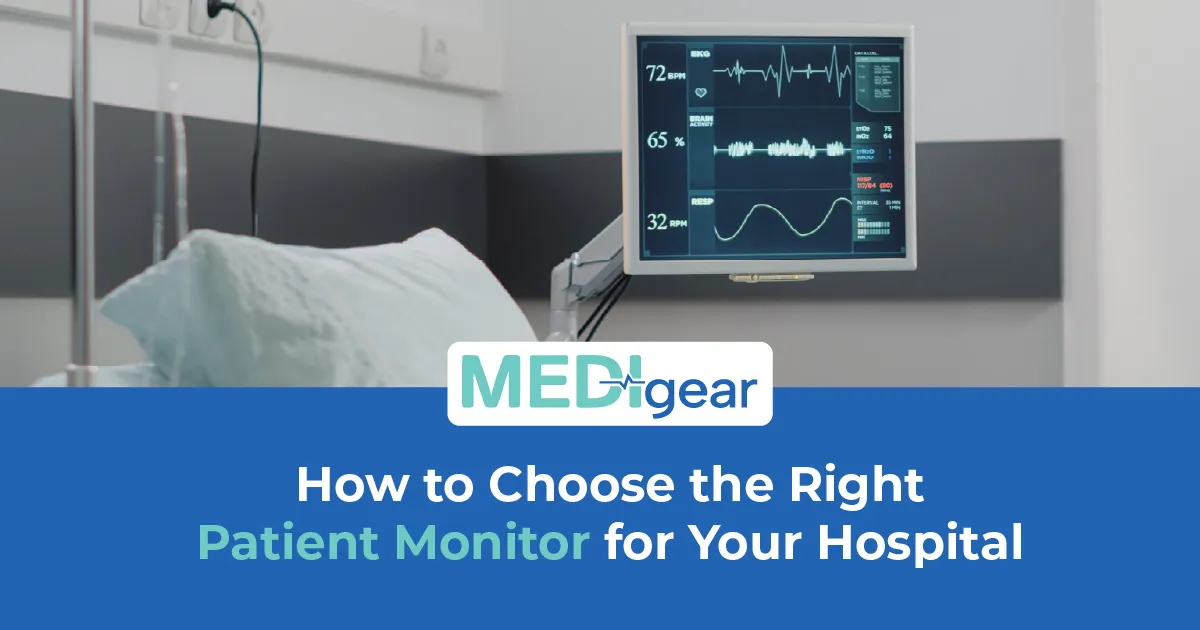
A patient monitor is the most important piece of bedside equipment in any hospital. It watches what nurses cannot — heart rhythm, oxygen saturation, blood pressure, breathing, and temperature — every second of every shift. It turns invisible changes into numbers on a screen and sounds that demand action. When it fails — wrong numbers, missed alarms, a screen nobody checks — patients die from problems a machine should have caught.
This guide covers how to choose the right patient monitor for your hospital with the honest detail that ward managers, biomedical engineers, and procurement teams need. Medigear supplies certified patient monitors to hospitals across the UK — and every tip here comes from real ward demand, not showroom demos.
Parameters
Patient monitors measure vital signs — the numbers that show whether the body is steady or heading toward trouble. The core five are ECG for rhythm, SpO2 for oxygen saturation, NIBP for blood pressure, breathing rate, and temperature. These cover the basics for most ward patients. But monitors go further — invasive pressure, capnography, cardiac output, depth of sedation, and multi-lead ECG for heart units. The right one measures what your patients need. Not the one with the longest spec sheet.
Screen Size
Screen size and clarity matter more than specs suggest. A screen viewed from the bed end at 3am by a tired nurse needs big, bright waves and numbers readable from two metres. A small, dim screen wastes the data it collects. Staff cannot read it fast enough to act. Twelve inches or above for wards. Fifteen or more for ICU and theatre.
Alarms
Alarm management is where patient monitors save lives or waste them. Bad alarms create alarm fatigue — staff hear so many false bleeps they stop listening to any. Adjustable limits, tiered levels, smart filters that cut false alerts, and tones that split urgent from routine — these shape whether alarms save lives or just add noise. Ask about alarm settings before buying. It is one of the most important features any monitor offers.
Portability
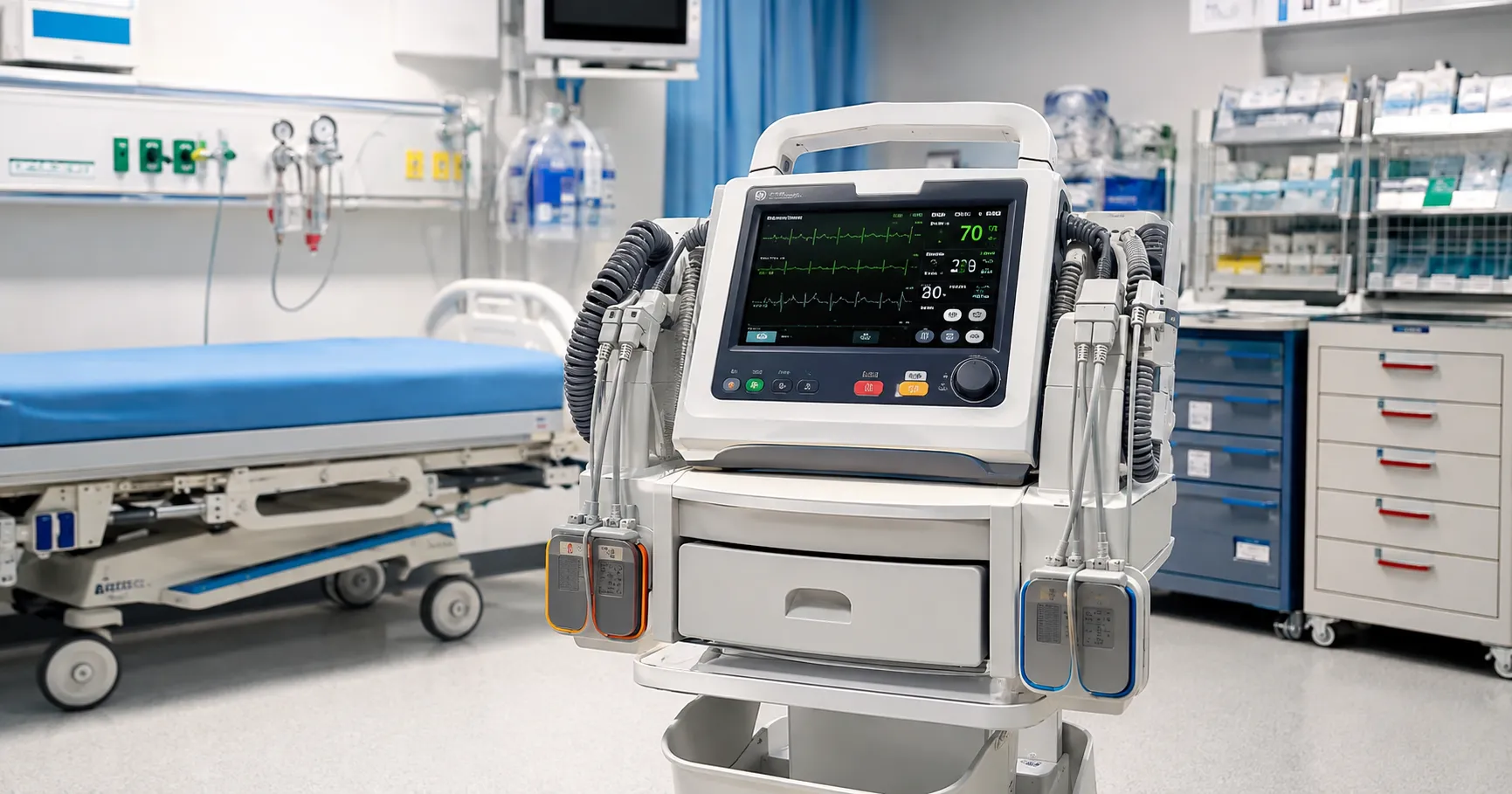
Portability decides where the monitor can go. A fixed unit suits a ward bay or ICU bed. A transport monitor — light, battery-powered, shock-proof — goes with the patient to CT, theatre, and between wards. Telemetry frees walking patients from wires by sending data to a central desk. The right choice depends on where your patients move — not just where they lie.
Battery Life
Battery life shapes how useful a portable patient monitor is. A monitor that dies after 90 minutes cannot safely cover a 30-minute transfer, allowing for delays and lifts. Four to six hours is the floor for transport. Ask for real figures — not factory specs from conditions no hospital matches.
Connectivity
Connectivity links the patient monitor to the wider system. HL7 and DICOM push vital signs to health records without typing. Central stations let one nurse monitor many patients on a single screen. Wireless sends alarms to mobile phones. A monitor that collects but cannot share data builds an island that staff must bridge with clipboards and memory. Both fail under pressure.
Infection Control
Infection control covers every surface the device touches. Screens must take daily wipes with strong cleaners without clouding or cracking. Cables must be wiped clean with no joints that trap fluid. SpO2 probes must be single-use or fully cleaned between patients. A hard-to-clean monitor becomes a germ carrier, spreading bugs from bed to bed across a ward.
Modular vs Fixed
Modular versus fixed changes how a patient monitor grows. Fixed monitors measure a set list and cannot grow. Modular systems let you add features — capnography, invasive pressure, cardiac output — by plugging in new parts as needs change. For growing hospitals or mixed wards, modular systems offer flex that fixed units cannot.
Linked Guides
For hospitals managing cardiac care alongside general monitoring, our complete buyer's guide to ECG machines covers dedicated cardiac monitoring that sits alongside bedside patient monitors in any heart unit. Our guide to pulse oximeters explains how standalone oxygen tracking supports the SpO2 parameter found on every patient monitor.
Ease of Use
Ease of use decides whether a patient monitor helps or slows the team. Buried menus, unclear icons, and clunky navigation slow staff when speed matters most. Good monitors use clean home screens, one-touch access, and layouts new staff learn in minutes. Test it under pressure. Not during a calm demo with a rep guiding every click.
Mounting
Mounting options affect workflow. Wall mounts save floor space. Roll stands move between beds. Bed rail mounts keep the screen at eye level during transport. Ceiling systems clear the bedside for procedures. Choose what fits your layout and your workflow.
Paediatric and Neonatal
Paediatric and neonatal monitoring needs smaller sensors, different alarm ranges, and displays tuned for baby vital sign patterns. An adult monitor on a baby without proper setup gives wrong readings and risky alarms. Paediatric modes or paediatric monitors are a must for any unit seeing children.
Upgrade Paths
Upgrade paths matter because patient monitors last seven to ten years — and clinical standards move faster than hardware ages. A patient monitor that cannot update has an expiry date built into the box. Ask about the upgrade path before buying.
Training
Staff training on patient monitor use, alarm response, and fault-spotting is the step most hospitals rush, and most patients pay for. A monitor that bleeps is only useful if the person hearing it knows what the bleep means. Structured training on setup, response, artefact spotting, and handover turns the monitor from a noise machine into a clinical partner.
Cost Per Bed
Cost per bed is the honest way to compare. Sticker price tells part of the story. Add sensors, cables, mounts, service deals, training, and software. Divide by lifespan. That gives the true cost per bed per year — the number that lets procurement compare fairly, rather than picking the cheapest box and paying the repair gap.
Night Shift
Night shift is where patient monitors earn their keep. Fewer staff. More fatigue. Longer gaps between rounds. The monitor fills the silence with constant watching; no human team can match it after midnight. Buying a monitor is not buying a screen. It is buying eyes that never blink on the shift where blinking costs lives.
Waveform Quality
Waveform quality separates clinical-grade patient monitors from consumer devices playing dress-up. A clean ECG trace with sharp QRS complexes and a stable baseline is important for spotting subtle changes. A noisy, drifting trace hides the very problems the monitor exists to catch. Ask for a waveform demo on a real patient — not a simulator that always looks perfect.
Interoperability
Interoperability between monitors from different makers is a growing headache. A ward with three brands, three data formats, and three alarm systems creates chaos. One ecosystem — or monitors with open protocols that integrate with any central system — saves training time, reduces errors, and makes data useful across the whole hospital.
Backup Planning
Backup planning protects patients when a patient monitor fails mid-shift. A spare on the ward, a swap process, and a team that can manage twenty minutes without electronic eyes — these plans stop a hardware failure from becoming a clinical one. No monitor is perfect. Planning for the break is what separates safe from lucky.
Certification
Always confirm CE marking, ISO 13485 standards, IEC 60601 safety, and full MHRA compliance before buying any patient monitor. Ask about warranty, service contracts, software, parts, and lifespan. A patient monitor runs all day, every day, for years. The supplier bond matters across every one of those hours.
Why Choose Medigear
Medigear supplies certified patient monitors, transport monitors, telemetry systems, and accessories to hospitals, clinics, and care settings across the UK — with clear pricing, honest guidance, and after-sales support built for round-the-clock use. Whether you are equipping a new ward, upgrading old monitors, or adding transport power, our team matches the right system to your patients. Reach out to our team directly for guidance built around the beds in your hospital and the alarms that keep the people in them alive.
Conclusion
A patient monitor is not a screen on a pole. It is the pair of eyes that never blinks, the voice that shouts when the numbers drop, and the bridge between a sleeping patient and a team that cannot be everywhere at once. Choosing the right one means matching parameters to patients, alarms to wards, batteries to corridors, and screens to the tired eyes reading them at three in the morning. Medigear stands alongside hospitals with certified monitoring equipment and the honest support that bedside care demands. Speak to our team today — because the alarm that saves a life is the one that was set right, heard right, and acted on in time.
⚠️ This post is for general information only. We do not sell medications or provide prescriptions — Medigear.uk is a medical equipment supplier only.