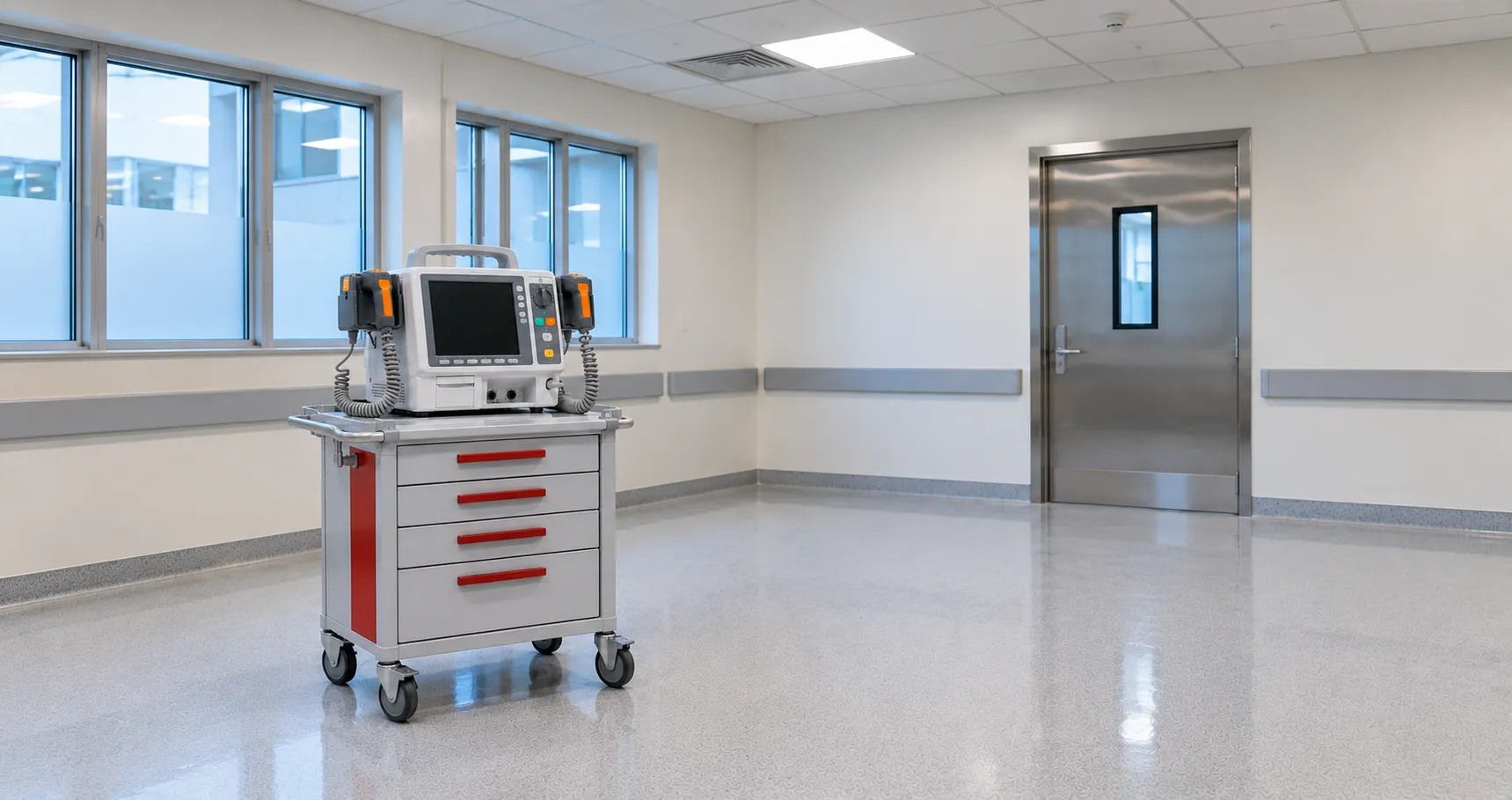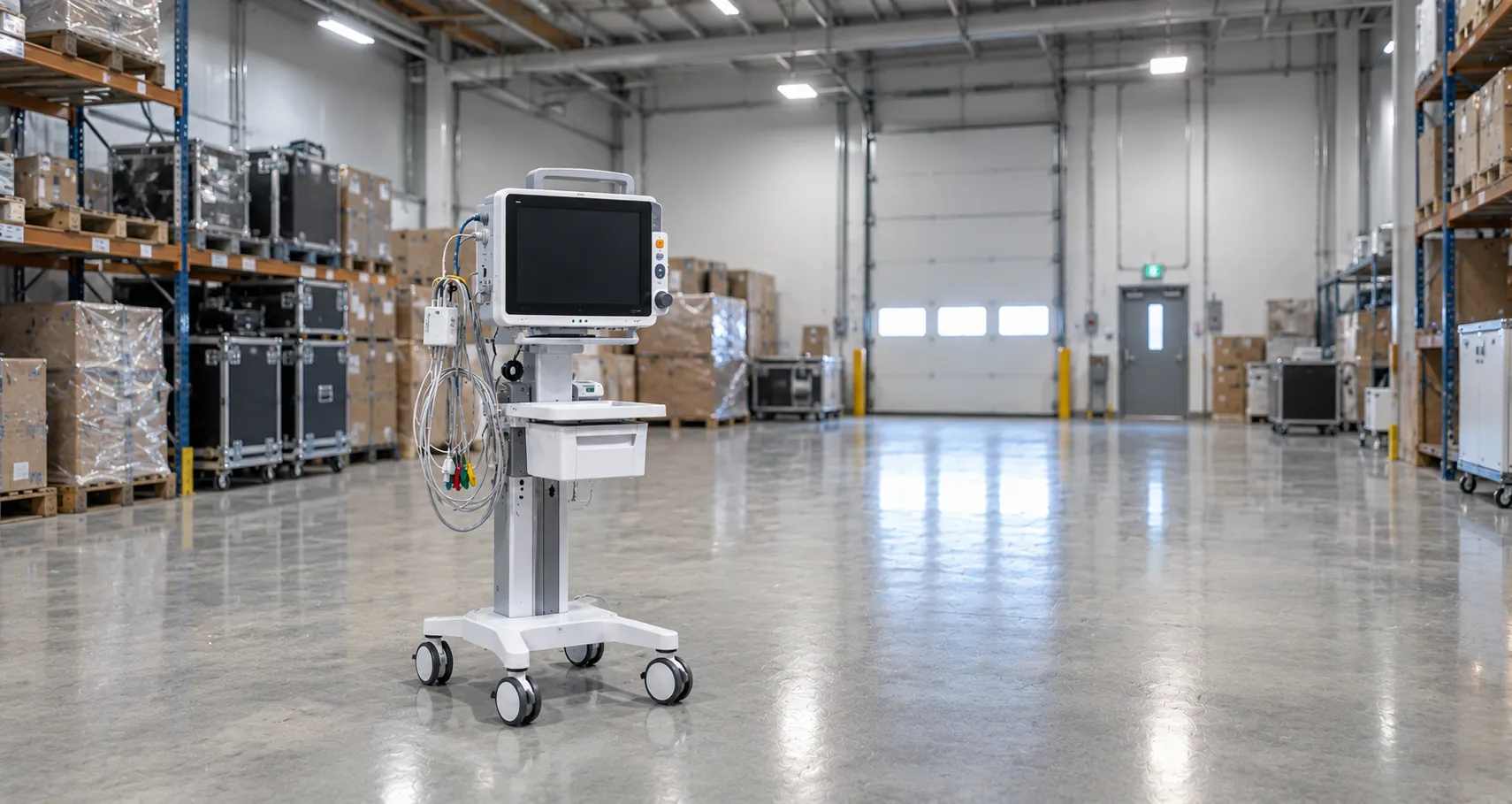

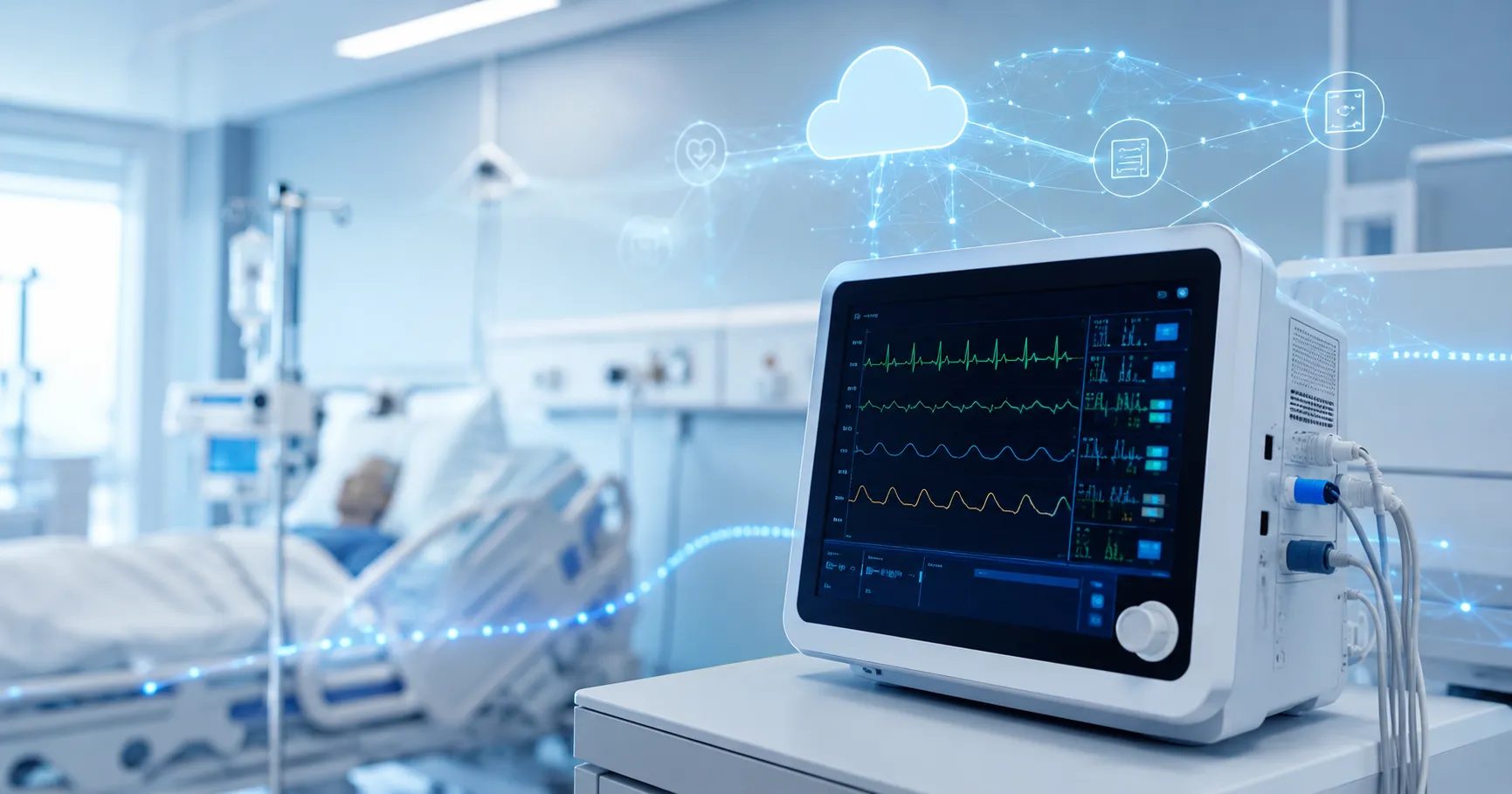
Cloud-connected patient monitors enable hospitals to review selected patient data, device status, alarm information, and monitoring trends via connected dashboards or approved clinical systems. These monitors may be used in ICUs, emergency departments, wards, recovery areas, step-down units, outpatient areas, and remote observation workflows.
For healthcare buyers, a cloud-connected patient monitor should be reviewed as both a clinical device and a digital health system. The FDA describes digital health technologies as systems that use computing platforms, connectivity, software, and sensors for healthcare and related uses, which directly applies to connected monitoring devices.
What a Cloud-Connected Patient Monitor Means
A cloud-connected patient monitor is a device that captures selected patient readings and sends data to a cloud platform, a central dashboard, an approved monitoring system, or a connected hospital workflow. Depending on configuration, it may support heart rate, ECG, oxygen saturation, non-invasive blood pressure, temperature, respiratory rate, and other parameters.
The cloud feature may support remote review, trend visibility, device records, alarm history, software updates, reporting, or service support. However, cloud connectivity should not replace bedside assessment or qualified clinical judgement. It should support trained healthcare teams by providing better visibility and more organised information.
Why Cloud-Connected Monitoring Matters
Hospitals need timely access to patient information. Cloud-connected monitoring can help teams review data from multiple beds, departments, or locations when systems are properly configured.
Central Data Visibility — Authorised staff may review selected readings and trends through a central dashboard.
Better Alarm Review — Alarm histories and event records can help teams understand repeated alerts, technical issues, or patient trend changes.
Support for Step-Down Care — Cloud dashboards may support monitoring workflows outside high-acuity areas when clinically appropriate.
Improved Equipment Records — Device status, battery condition, software version, and fault logs may support biomedical maintenance.
Flexible Monitoring Workflow — Connected monitors can support mobile, ward-based, or multi-room monitoring strategies.
Common Uses in Hospitals
Cloud-connected patient monitors can support different clinical areas.
ICU and Critical Care — Critical care teams may use connected monitors with central stations, alarm routing, and trend review.
Emergency Departments — Emergency teams may use cloud-connected monitoring for triage, resuscitation, observation, and patient transfer workflows.
Wards and Step-Down Units — Hospitals may use connected vital signs systems to support patient observation and escalation processes.
Recovery Areas — Post-procedure and post-anaesthesia areas may benefit from continuous or periodic monitoring visibility.
Remote Review Workflows — Some hospitals may use cloud dashboards for authorised review by clinical teams across departments or sites.
Facilities sourcing through regulated and certified equipment suppliers worldwide should confirm intended use, parameter options, accessories, data handling, service support, cybersecurity documentation, and warranty terms before procurement.
Key Features Buyers Should Review
A cloud-connected patient monitor should be evaluated beyond screen size and parameter list.
Important features include:
-
Supported patient parameters
-
Display clarity
-
Alarm quality
-
Battery life
-
Network requirements
-
Cloud dashboard functions
-
Data export options
-
Central monitoring compatibility
-
Accessory availability
-
User access controls
-
Software update policy
-
Warranty and service support
-
Buyers should confirm whether the monitor is intended for adult, paediatric, neonatal, transport, ward, emergency, or ICU use.
Interoperability and Data Flow
Cloud-connected monitors become more valuable when they can exchange information safely with approved systems. The FDA defines medical device interoperability as the ability to safely, securely, and effectively exchange and use information among devices, products, technologies, or systems.
Buyers should check whether the monitor can connect with:
-
Central monitoring stations
-
Electronic medical records
-
Nurse call systems
-
Hospital information systems
-
Asset management platforms
-
Maintenance dashboards
-
Mobile clinical dashboards
-
Important questions include:
-
How is patient identity matched?
-
What data is sent to the cloud?
-
Can data be exported?
-
Who can view the dashboard?
-
What happens if the cloud connection fails?
-
Can the monitor continue working offline?
A cloud-connected monitor should support continuity of care even when connectivity is unavailable.
Cybersecurity and Cloud Access
Cloud-connected patient monitors may use wireless networks, cloud servers, user accounts, remote service tools, software updates, and patient data. FDA cybersecurity guidance provides recommendations on cybersecurity device design, labelling, and documentation for devices with cybersecurity risk.
Healthcare buyers should ask suppliers about:
-
Access control
-
User permissions
-
Encryption
-
Remote service policy
-
Software updates
-
Patch support
-
Audit logs
-
Data storage
-
Cloud hosting terms
-
End-of-life data removal
-
Cybersecurity should be reviewed before installation, not after a device is already connected to the hospital network.
Alarm Management and Clinical Workflow
Alarm management is one of the most important parts of patient monitoring. Cloud dashboards may improve visibility, but poor alarm settings can create alert fatigue or workflow confusion.
Hospitals should define:
-
Alarm limits
-
Escalation rules
-
Technical alarm handling
-
Clinical alarm response
-
Staff responsibilities
-
Dashboard review process
-
False alarm reduction
-
Alarm history review
Cloud-connected monitoring should support clear clinical action. It should not create extra alerts without a practical response plan.
Maintenance and Biomedical Planning
Cloud-connected patient monitors need both physical maintenance and digital lifecycle management. WHO medical equipment maintenance guidance explains that maintenance strategies include inspection, preventive maintenance, and corrective maintenance, with preventive maintenance helping extend equipment life and reduce failure rates.
Maintenance planning should include:
-
Preventive maintenance schedules
-
Battery checks
-
Cable inspection
-
Sensor and probe review
-
Alarm testing
-
Software update records
-
Network module checks
-
Fault logs
-
Calibration where required
-
Service documentation
Biomedical engineers and IT teams should work together because cloud-connected monitor issues may involve hardware, software, network settings, user accounts, or remote access by suppliers.
Procurement Guidance for Cloud-Connected Patient Monitors
Procurement should involve doctors, nurses, biomedical engineers, IT teams, cybersecurity staff, finance teams, compliance teams, and procurement managers.
Define the Clinical Need — The facility should decide whether the monitor is for ICU, ward, emergency, transport, recovery, paediatric, neonatal, or remote review use.
Review Total Cost of Ownership — Buyers should include device price, sensors, cables, cuffs, batteries, chargers, software, cloud fees, service contracts, training, maintenance, and replacement parts.
Check Supplier Transparency — Suppliers and manufacturers advertising to global healthcare buyers should provide specifications, cybersecurity details, cloud terms, warranty, training, service support, and documentation.
Pilot Before Scaling — Hospitals should test data flow, alarm behaviour, dashboard usability, network stability, staff workflow, and battery performance before wider deployment.
Common Mistakes to Avoid
Hospitals should avoid these mistakes when buying cloud-connected patient monitors.
Buying Without Network Review — Connectivity should be checked in real clinical areas before rollout.
Ignoring Cybersecurity — Cloud-connected devices need access control, update planning, and supplier documentation.
Not Reviewing Cloud Costs — Subscription fees, licences, storage costs, and software support may affect long-term costs.
Poor Alarm Planning — Alarm routing and escalation should be practical for the staff workload.
Forgetting Accessories—Sensors, cuffs, cables, batteries, mounts, chargers, and probes —affects daily use.
No Downtime Plan — Staff should know how monitoring continues if cloud access or network service fails.
Weak Maintenance Records — Cloud-connected monitors still need preventive maintenance and service documentation.
International Sourcing Considerations
Cloud-connected patient monitors can be sourced internationally when buyers clearly define clinical use, patient group, parameter needs, connectivity requirements, cloud access terms, cybersecurity expectations, accessories, warranty, spare parts, service access, documentation, and compliance requirements.
Healthcare groups managing several hospitals may benefit from structured distribution and reseller partnership arrangements. Standardising monitor models, cloud workflows, accessories, training, service contracts, and cybersecurity documentation can reduce variation across facilities.
Buyers should confirm whether they need ICU monitors, ward monitors, transport monitors, central stations, wearable sensors, telemetry systems, cloud dashboards, or complete connected monitoring packages. For project-based sourcing, buyers can contact the Medigear.uk team for supply support to discuss availability, documentation, export needs, and procurement requirements.
Future Role of Cloud-Connected Patient Monitors
Cloud-connected patient monitors will continue to support connected hospitals, remote review workflows, smart wards, central monitoring, and multi-site healthcare planning. The strongest systems will combine clinical reliability, secure cloud access, practical dashboards, stable connectivity, alarm management, service support, and clear documentation.
Hospitals should choose cloud-connected monitors that improve patient visibility without creating unnecessary digital complexity.
Final Thoughts
Cloud-connected patient monitors help hospitals improve monitoring visibility, alarm review, access to patient trends, device records, and connected care workflows. They can support ICUs, emergency areas, wards, recovery rooms, step-down units, and remote review models when planned carefully.
The right monitor should align with clinical needs, patient groups, network infrastructure, cybersecurity policies, alarm workflows, maintenance capacity, staff training, cloud terms, and local compliance requirements. Buyers should review the total cost of ownership, accessories, service support, documentation, and supplier reliability before ordering.
Disclaimer
Medigear.uk is a global medical equipment supplier, exporter, and distributor. The content published on this site is intended for educational and product awareness purposes only. Nothing on this page constitutes medical advice, clinical guidance, cybersecurity advice, legal advice, regulatory advice, cloud security consulting, data protection advice, or treatment recommendations. All healthcare procurement, technology, legal, regulatory, data, facility, and clinical decisions should be made by qualified professionals and compliant procurement teams operating within the regulatory frameworks of their respective countries.